Fomio Studio is a configurator for 3D print models. You pick a model – a card box, a name plate, a life counter, a photo sphere and much more –, set sizes, texts and details and download a ready file for your printer. Every model is computed again for your settings.
Try it free in the browser – unlimited and with Fomio Pro in the desktop app for Windows and Linux.
What you can set
Made by Fomio, the 3D printing shop at fomio.de
In the browser at studio.fomio.de and as a desktop app for Windows and Linux
Own models in areas such as cards & decks, game aids, slabs, board games, storage, decor and lithophanes
Download as STL or coloured 3MF for Bambu Studio, OrcaSlicer, PrusaSlicer and Cura
Free at no cost, Studio monthly €2.49, Lifetime one-off €29.99
Interface in German and English
How it works
Choose a model
Pick a model in the library; the search finds models by name and keyword.
Set it up
Set sizes, texts and shape on the right. “Expert” shows every setting, such as wall thickness and clearance.
Make a preview
The model is computed with your values and appears as a 3D preview you can rotate.
Download and print
Choose STL or coloured 3MF, confirm the licence and open the file in your slicer.
The configurators
Modular box
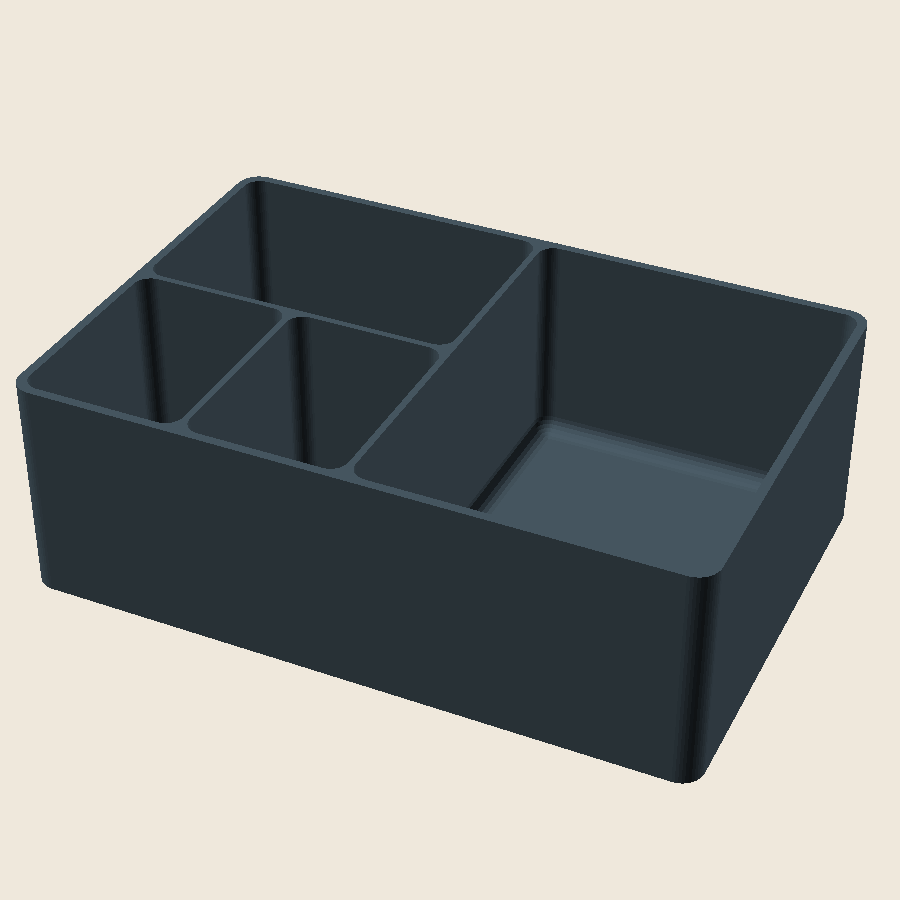
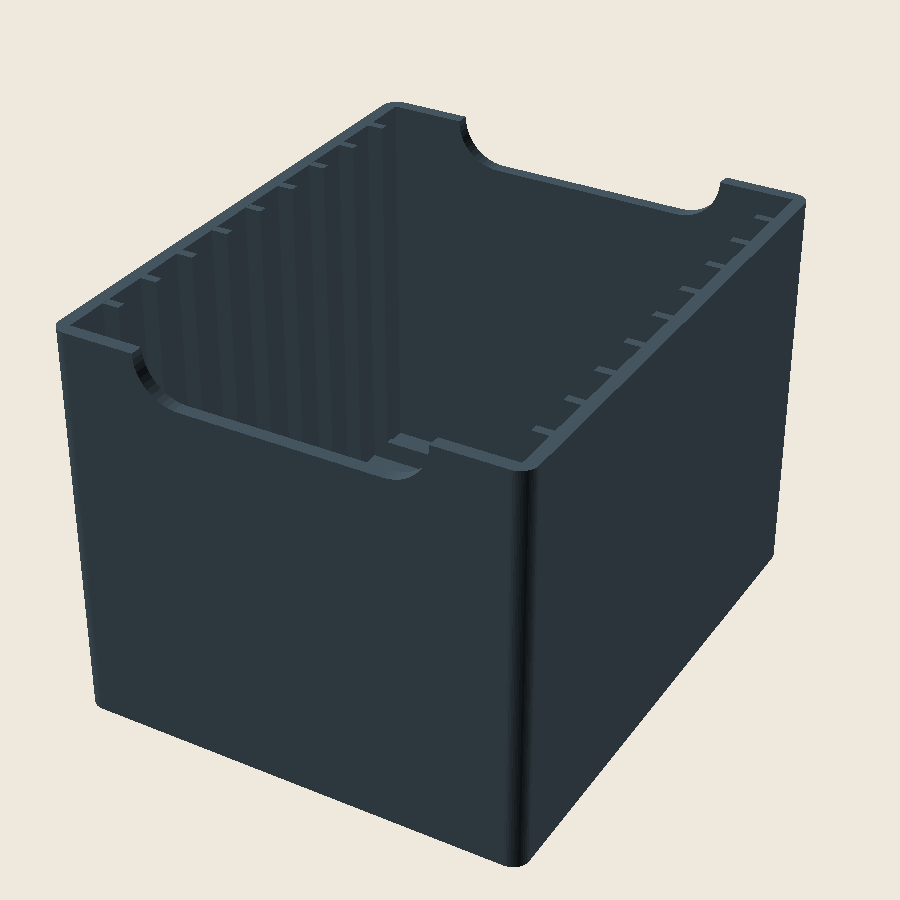
Box with freely divided compartments for desk, drawer and workshop: set the outer size and the compartments (compartment editor in the “Compartments” view), round the corners, compartment edges and floor, choose a wall pattern, a finger grip and scoops. Optionally with a Gridfinity base, stackable and with a lay-on, cap or sliding lid, also with magnets. If the lid does not fit beside the box on the print plate, it goes on a second plate. With Fomio Pro: label plate or paper label holder.
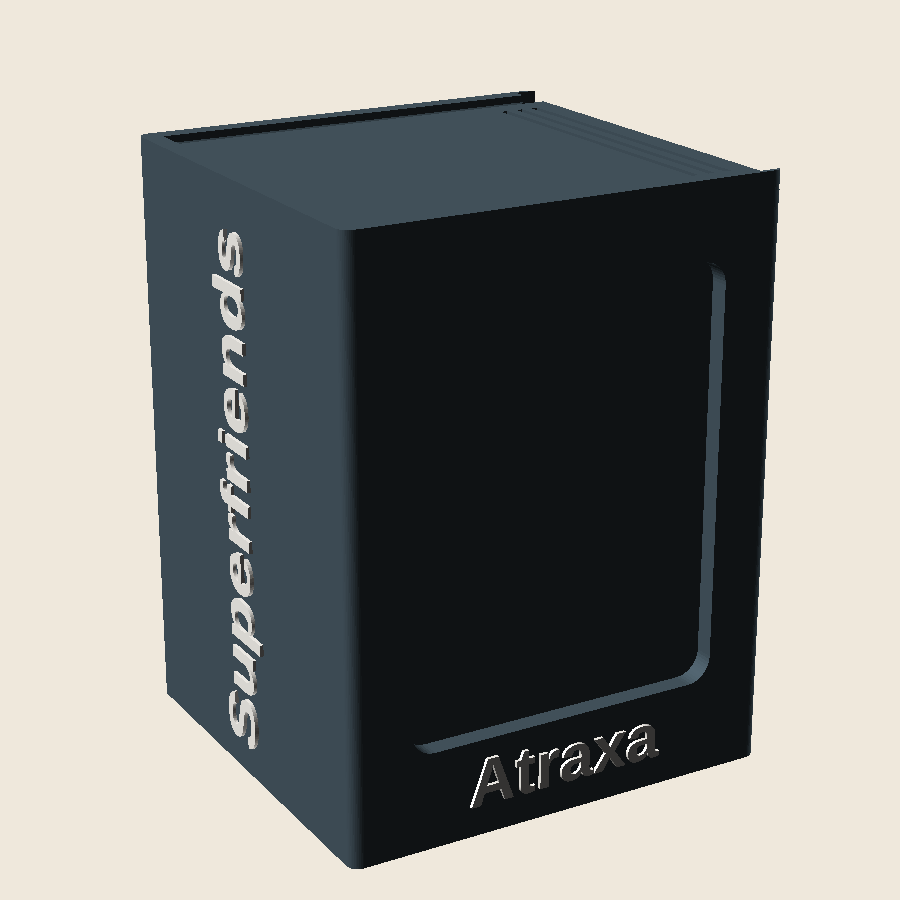
Deck box for 10 to 200 sleeved cards with an optional commander window and labels on the front and side. The lid slides in dovetail grooves and cannot fall out. Box and lid print side by side without supports.
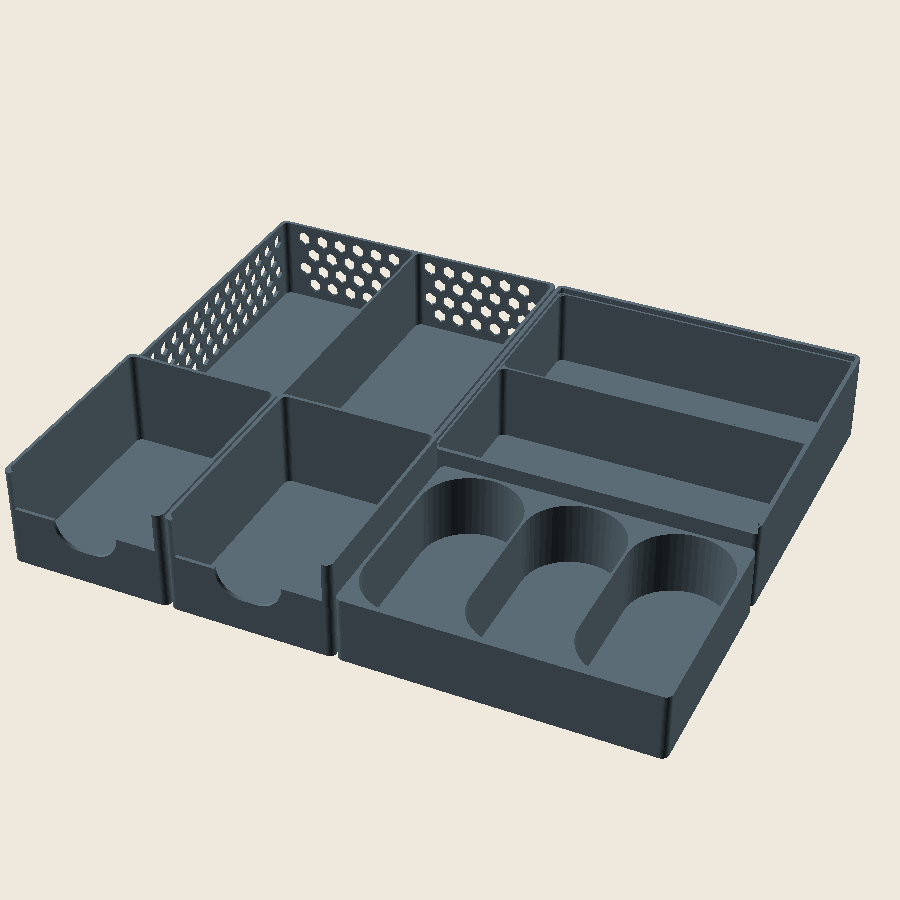
Inserts for the original box of your board or card game: measure the inside, place trays for cards, tokens and dice on the plan and divide each tray like a modular box – with compartments, finger grips and scoops. Every tray lifts out and is printed on its own; together they come as a 3MF spread over print plates or as an STL package.
Hollow sphere with your photo as a lithophane: lit by an LED from inside, the picture appears. One panorama or two photos (front and back), open at top and bottom with a frame for lid and fairy lights.
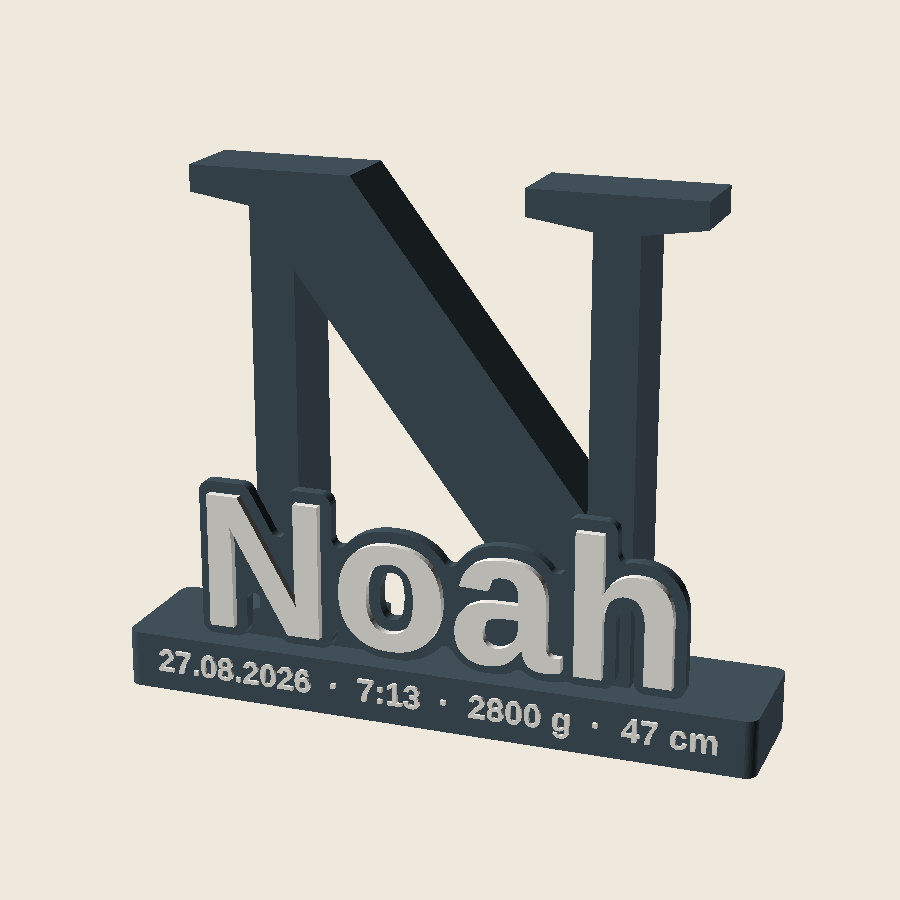
A large standing initial or a motif (moon, cloud, hot air balloon, heart, star) with the name in front of it – as a gift for a birth, a christening or the nursery. Optionally on a plinth with the birth data (date, time, weight, length) on its front. Or as a birth announcement stand: a plate with the name, a heart, a saying and stars, the data on tiles beside it. Name and data in a second colour.
Box with a slot for each of 2 to 20 graded slabs (CloudCard, PSA, BGS, CGC, SGC, TAG or custom). The slabs stick out at the top so they are easy to grab; an optional lid covers them.
Fomio Studio is developed and run by Fomio, the 3D printing shop at fomio.de. All models in the library are made by Fomio; new ones are added regularly. Payment is in the Fomio shop, the invoice comes by email. Fomio is a small business under § 19 of the German VAT act, so no VAT is shown. Questions and bugs can be reported right in the studio with “Report a bug”.
Browser or desktop app
Both are the same studio with the same models. The browser needs no installation; models are computed on the server, with three previews a day, and everyone computes as Free there. The desktop app for Windows 10/11 (64-bit) and 64-bit Linux computes every model on your PC, without limit and offline too. Photos for the photo sphere and photo frame never leave your PC there, and projects are saved without an account. There is no Mac app; on a Mac you use the studio in the browser.
Technology
The models are rebuilt in Rust and computed with its own geometry core based on the Manifold library – usually in milliseconds. Server and desktop app use the same core. App updates are signed by Fomio and install without administrator or root rights.
Pricing and licences
Free costs nothing and is for private use; the files carry a small “Fomio.de” mark. Fomio Pro comes as Studio monthly for €2.49 a month or as Lifetime for a one-off €29.99. Lifetime unlocks Pro for good and includes 12 months of updates; afterwards everything released until then stays Pro forever. New models and features after that come with the update licence for €10.99 a year, only together with Lifetime.
With Pro you get files without or with your own mark, may sell printed studio models, have a live preview and new models two weeks earlier – and Pro works in the desktop app on up to two PCs. The Fomio shop sells Studio monthly, Lifetime and the update licence to customers in Germany. Outside Germany you get Fomio Pro through a Patreon membership.
Frequently asked questions
What is Fomio Studio?
A configurator for parametric 3D print models: you set sizes, texts and details and download a ready STL or 3MF for your printer. It runs in the browser at studio.fomio.de and as a desktop app for Windows and Linux.
Who is behind Fomio Studio?
Fomio, the 3D printing shop at fomio.de. Fomio develops the models and the studio and sells the Pro licences in its own shop.
Is Fomio Studio free?
Yes, the Free version costs nothing and is for private use. The browser gives you three previews a day, the desktop app unlimited ones. The files carry a small “Fomio.de” mark.
How much is Fomio Pro?
Studio monthly costs €2.49 a month, Lifetime a one-off €29.99 including 12 months of updates. The update licence to extend that costs €10.99 a year. The Fomio shop sells to customers in Germany; outside Germany Pro is available through Patreon.
Is there Fomio Studio for Mac?
There is no Mac app at the moment. On a Mac you use Fomio Studio in the browser, with all models and nothing to install.
Does the app work offline?
Yes. The desktop app computes every model on your PC. It only needs to go online for Pro activation, renewing the Pro licence (at least every 14 days), updates and showing new models.
May I sell printed models?
With Fomio Pro yes, for the studio models. With Free no. Selling the files themselves is not allowed in any version. The terms of use, § 4, are binding.
Do I need an account?
Not to try it. You need an account for saved projects in the browser and for Fomio Pro. You sign in without a password by email link or with your Patreon account.