Online STL generator: customise parametric 3D models
A parametric model is not a finished mesh but a blueprint with settings: sizes, texts, compartments, wall thickness. You change the values and the model is computed again – fitted to your purpose. Here you read how that works, what to look out for and which tools there are.
Try it free in the browser – unlimited and with Fomio Pro in the desktop app for Windows and Linux.
What you can set
Set sizes, texts and details instead of scaling a finished STL
No CAD and no code: sliders, fields and a preview
Download as STL for any slicer or as coloured 3MF for multi-colour printing
Share settings as a link, save projects
In the browser or in the desktop app for Windows and Linux
How it works
Choose a model
Pick a model from the library, e.g. box, deck box, name plate or lithophane.
Set the values
Enter sizes, texts and options. “Simple” shows the essentials, “Expert” also wall thickness and clearance.
Compute the preview
The model is computed again with your values; the 3D preview shows shape, size on the build plate and approximate material use.
Download
Download STL or coloured 3MF and open it in your slicer – Bambu Studio, OrcaSlicer, PrusaSlicer or Cura.
The configurators
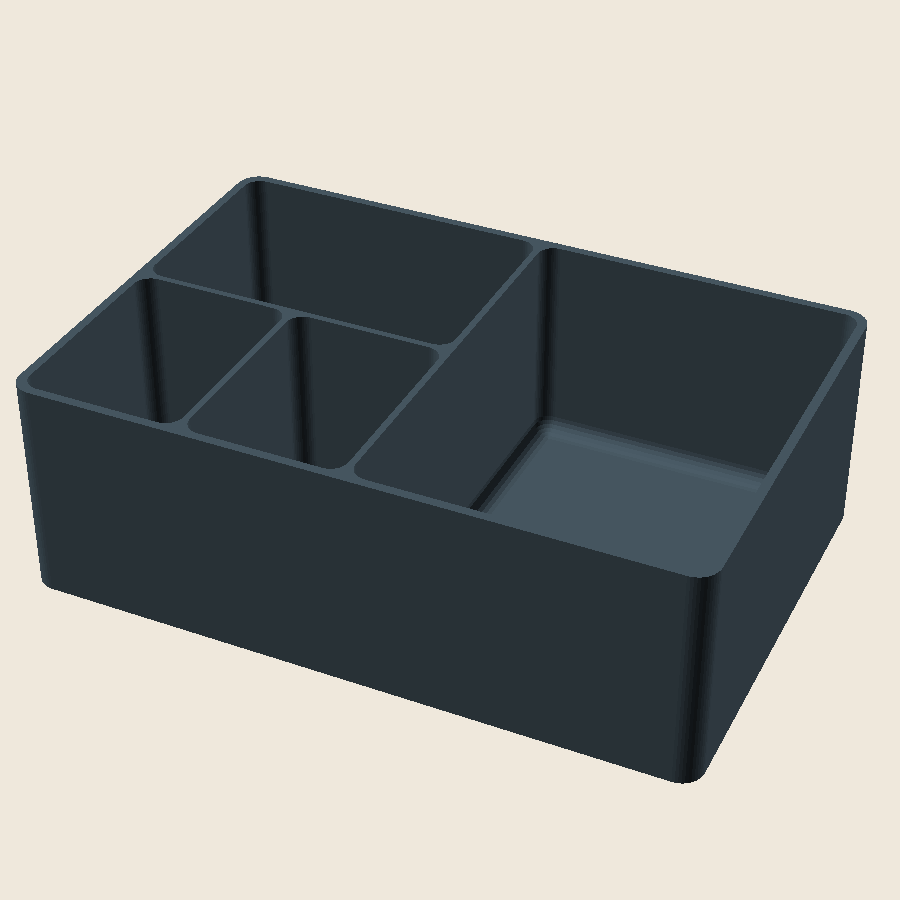
Modular box
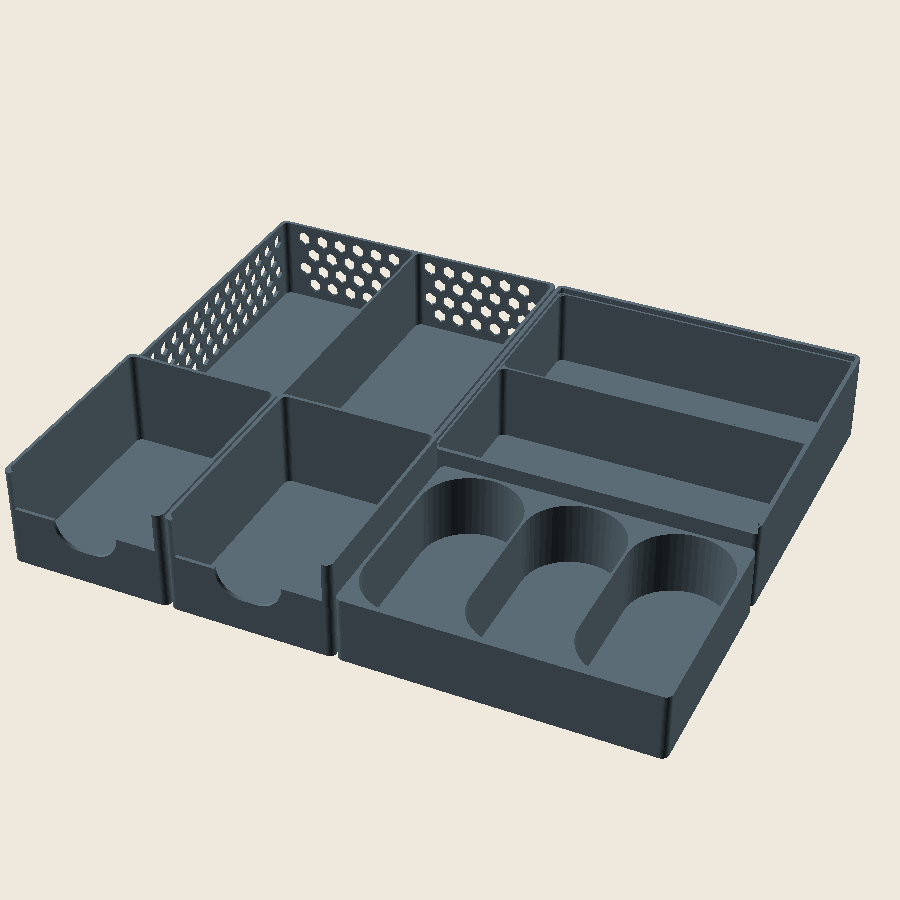
Box with freely divided compartments for desk, drawer and workshop: set the outer size and the compartments (compartment editor in the “Compartments” view), round the corners, compartment edges and floor, choose a wall pattern, a finger grip and scoops. Optionally with a Gridfinity base, stackable and with a lay-on, cap or sliding lid, also with magnets. If the lid does not fit beside the box on the print plate, it goes on a second plate. With Fomio Pro: label plate or paper label holder.
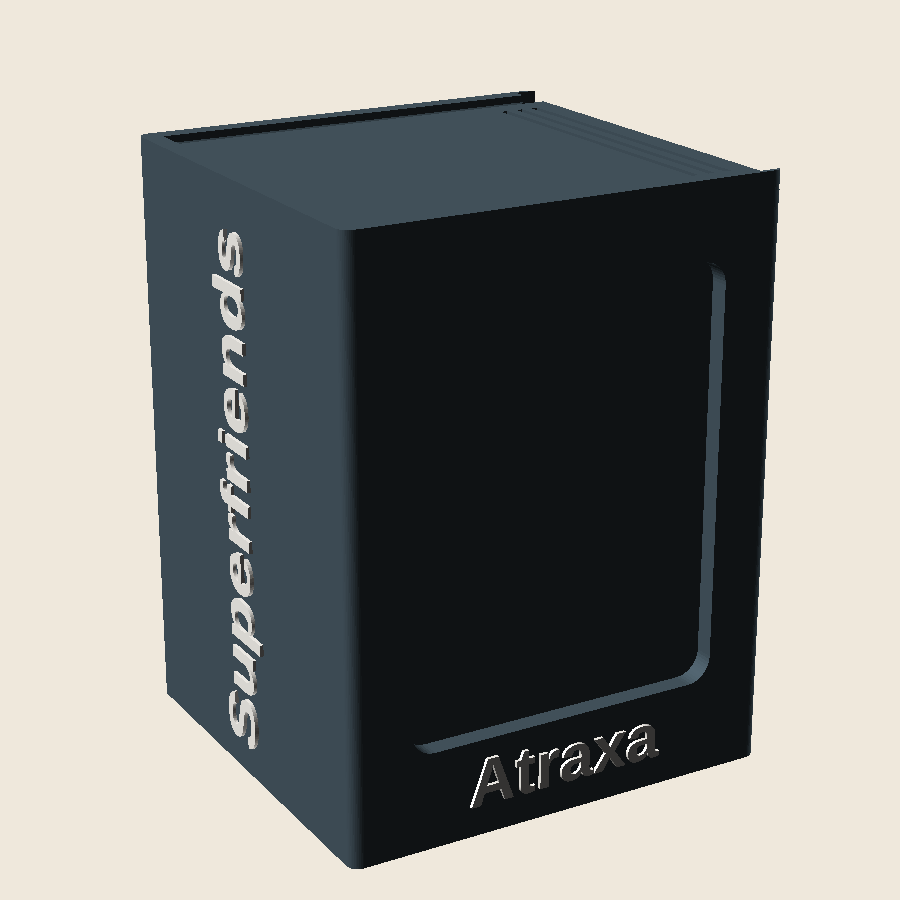
Deck box for 10 to 200 sleeved cards with an optional commander window and labels on the front and side. The lid slides in dovetail grooves and cannot fall out. Box and lid print side by side without supports.
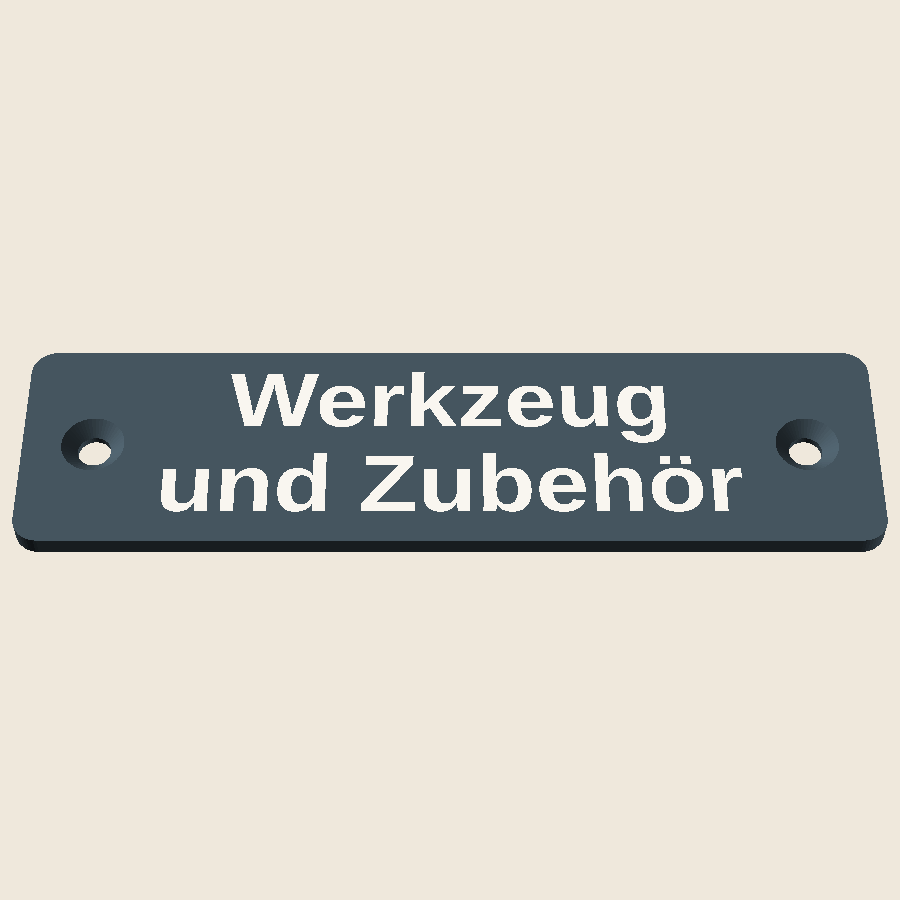
A sign with your own text for boxes, shelves, doors and drawers – one or two lines, rectangular, oval, round or as a contour around the letters. Text raised, engraved or inlaid flush in a second colour, with screw holes, a hanging hole, an eye or magnets. As a series: several names on one print plate.
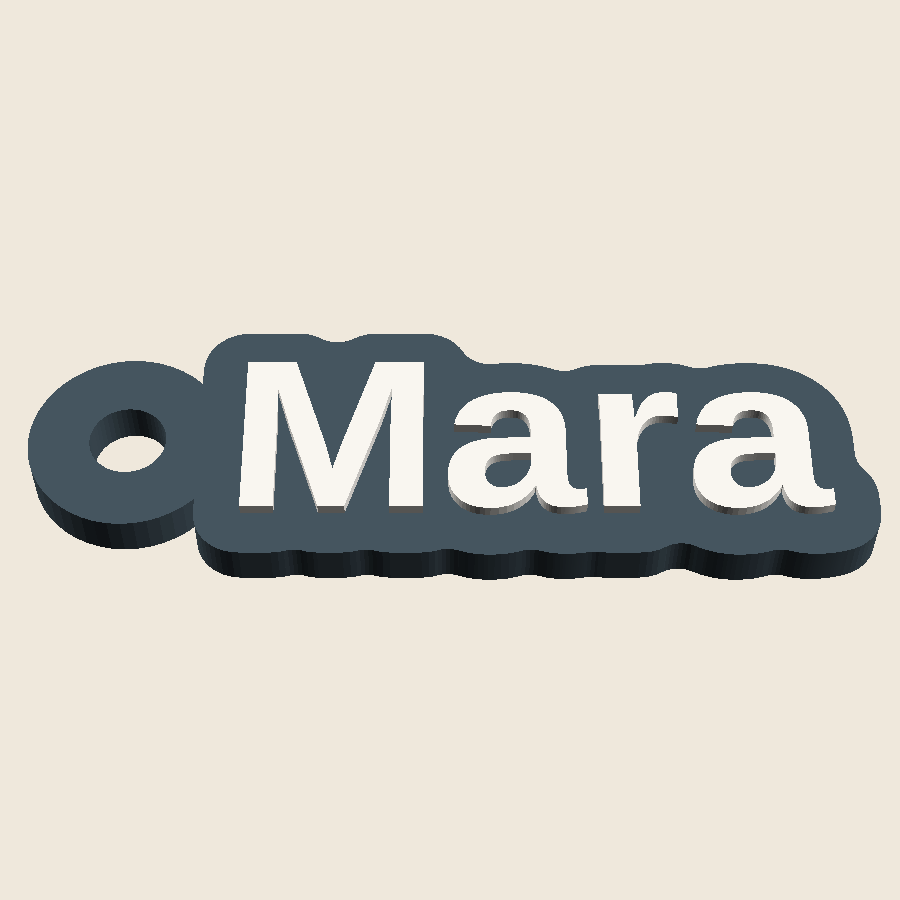
A key tag with your name – the plate follows the letters as a contour, with the eye on the left or on top. Text raised or flush in a second colour, four fonts. As a series: several names on one print plate, e.g. for the whole family or class.
Inserts for the original box of your board or card game: measure the inside, place trays for cards, tokens and dice on the plan and divide each tray like a modular box – with compartments, finger grips and scoops. Every tray lifts out and is printed on its own; together they come as a 3MF spread over print plates or as an STL package.
Hollow sphere with your photo as a lithophane: lit by an LED from inside, the picture appears. One panorama or two photos (front and back), open at top and bottom with a frame for lid and fairy lights.
If you scale a finished STL in the slicer, everything grows with it: walls get thicker, text wider, joints stop fitting. A parametric model computes every size on its own instead. A box gets wider but keeps its wall thickness; a lid gets exactly the clearance you set; a name changes the shape of the plate. That is why the parts still fit together after customising.
What to look out for
Measure what goes inside instead of guessing – for cards, the size with sleeve. Parts that fit into each other need clearance: if it is too tight, raise it by 0.1 mm; if it wobbles, lower it. For big prints a small test piece first pays off. And check that the result fits your print bed.
The tools at a glance
OpenSCAD is a free open-source program for Windows, macOS and Linux. Models are written in it as code in its own description language; the Customizer panel shows a file’s parameters as input fields. It suits you if you want to design your own parametric models or change existing .scad files yourself.
The Thingiverse Customizer and the Parametric Model Maker on MakerWorld, Bambu Lab’s model platform, let you customise models that community designers published as OpenSCAD files in the browser. There you find a large choice from many different makers.
Fomio Studio is a library of Fomio’s own models – card boxes, game aids, slab holders, name plates, lithophanes and more – all set up in the same interface. The models are rebuilt in Rust and computed with its own geometry core based on Manifold. It runs in the browser and as a desktop app for Windows and Linux that computes on your PC and works offline too.
What Fomio Studio brings
Multi-colour models come as 3MF in which every coloured part is its own object; for Bambu printers tested print settings are already included. Some models have their own tools, such as the compartment editor of the modular box or the plan of the game box insert. If a setting does not work – a text that is too long, say – the studio tells you what to change. Settings can be shared as a link and saved as a project.
Frequently asked questions
What is an STL generator?
A tool that computes a ready 3D print file from your input – sizes, texts, options. Unlike downloading a finished STL, you get the model in exactly your size.
Can I customise 3D models without CAD?
Yes. In Fomio Studio you set everything with fields and sliders and see the result in the 3D preview. No code or CAD skills needed.
Is the generator free?
Yes. In the browser you get three previews a day; the desktop app for Windows and Linux computes without limit. Free files are for private use and carry a small “Fomio.de” mark.
STL or 3MF – which should I download?
STL is a single shape and works in every slicer, ideal for single-colour printing. The coloured 3MF holds every part with its colour for multi-colour printing, e.g. with an AMS.
Can I upload my own OpenSCAD files?
No. Fomio Studio is a library of its own models. For your own .scad files, OpenSCAD itself is the right tool.
Does it work on a Mac?
In the browser yes, with all models and nothing to install. A desktop app exists for Windows 10/11 and 64-bit Linux.
May I share the files I create?
Free files may be used, printed and shared with the credit “Studio.Fomio.de”, but not sold. With Fomio Pro you may sell printed models. The terms of use are binding.
Online STL generator: customise parametric 3D models