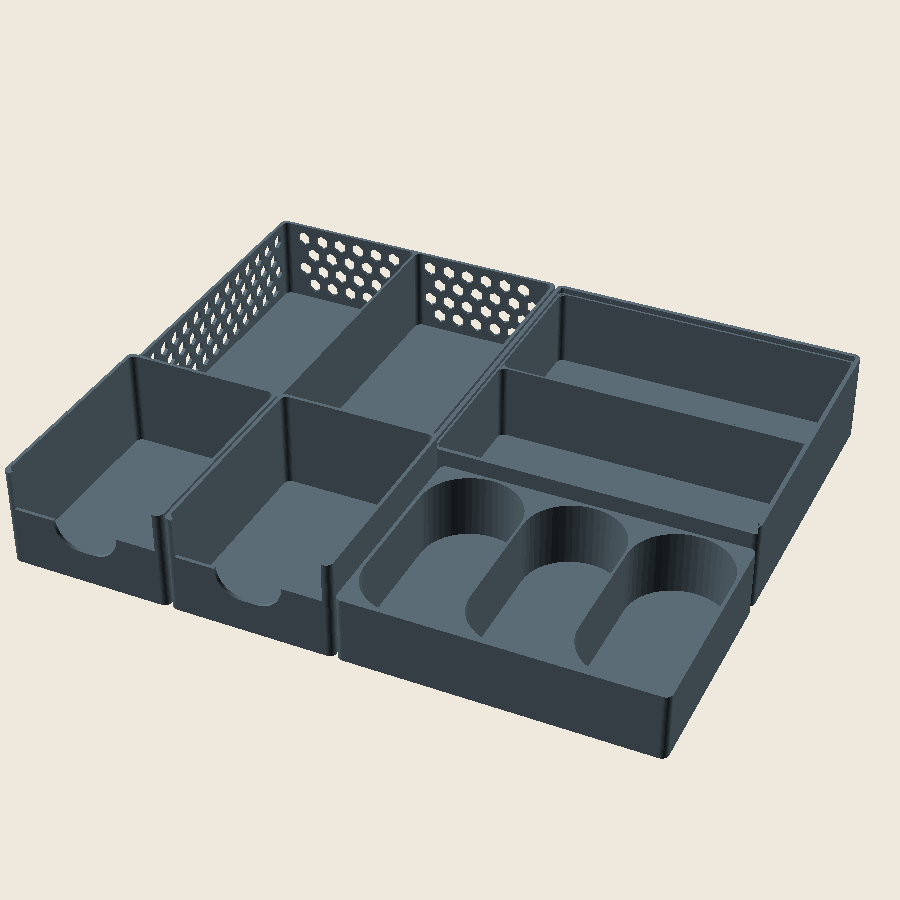
No more bags and loose tokens: with the game box generator you plan a perfectly fitting insert for the original box of your board or card game – in the browser, without CAD. Every tray lifts out on its own and is printed on its own.
Try it free in the browser – unlimited and with Fomio Pro in the desktop app for Windows and Linux.
What you can set
Enter the box’s inner size and the room for board and rule book
Place trays for cards, tokens, dice and miniatures freely in the plan
Divide every tray like a modular box: compartments, finger scoops, scoops
Adjust wall and floor thickness, clearance and roundings
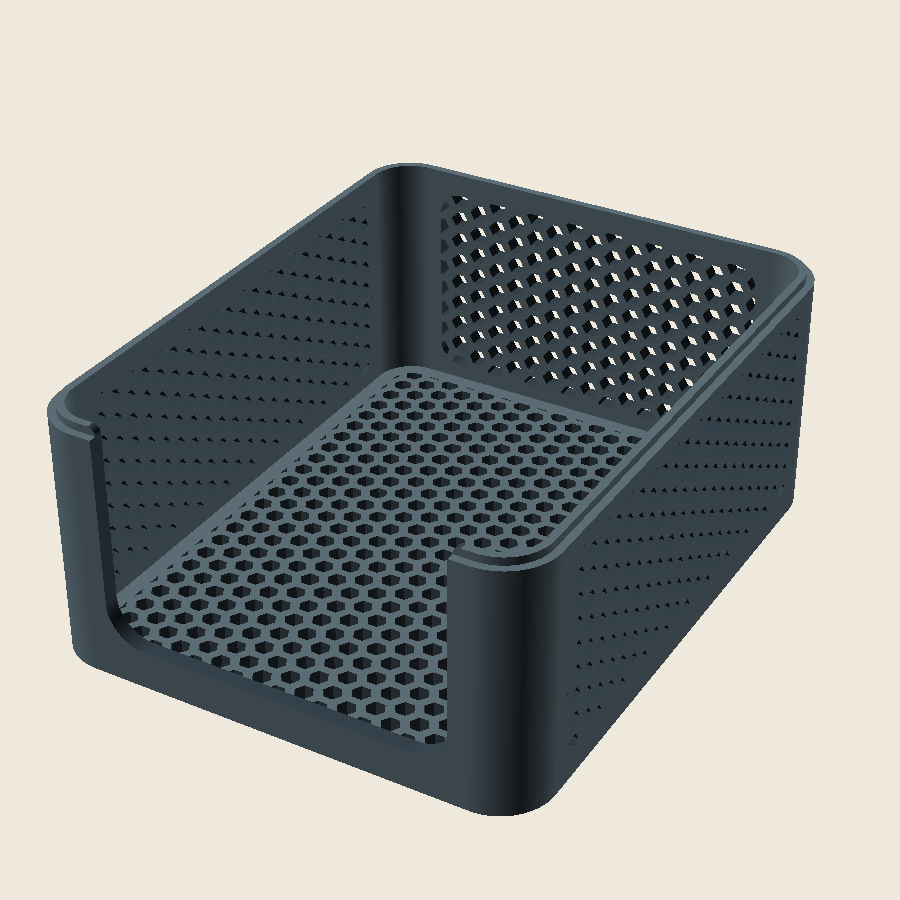
Optional wall patterns and lids for single trays
All trays as 3MF spread over build plates or as an STL package
How it works
Measure the box
Measure width, depth and height inside and subtract the room board and rule book need on top.
Plan the trays
Add trays and move and resize them in the plan until the box is filled.
Divide into compartments
Split each tray into compartments – with a finger scoop for cards, with a scoop for tokens.
Print
Download all trays as 3MF; they are already spread over build plates. Print without supports, put them in, done.
The configurators
Game box insert
Inserts for the original box of your board or card game: measure the inside, place trays for cards, tokens and dice on the plan and divide each tray like a modular box – with compartments, finger grips and scoops. Every tray lifts out and is printed on its own; together they come as a 3MF spread over print plates or as an STL package.
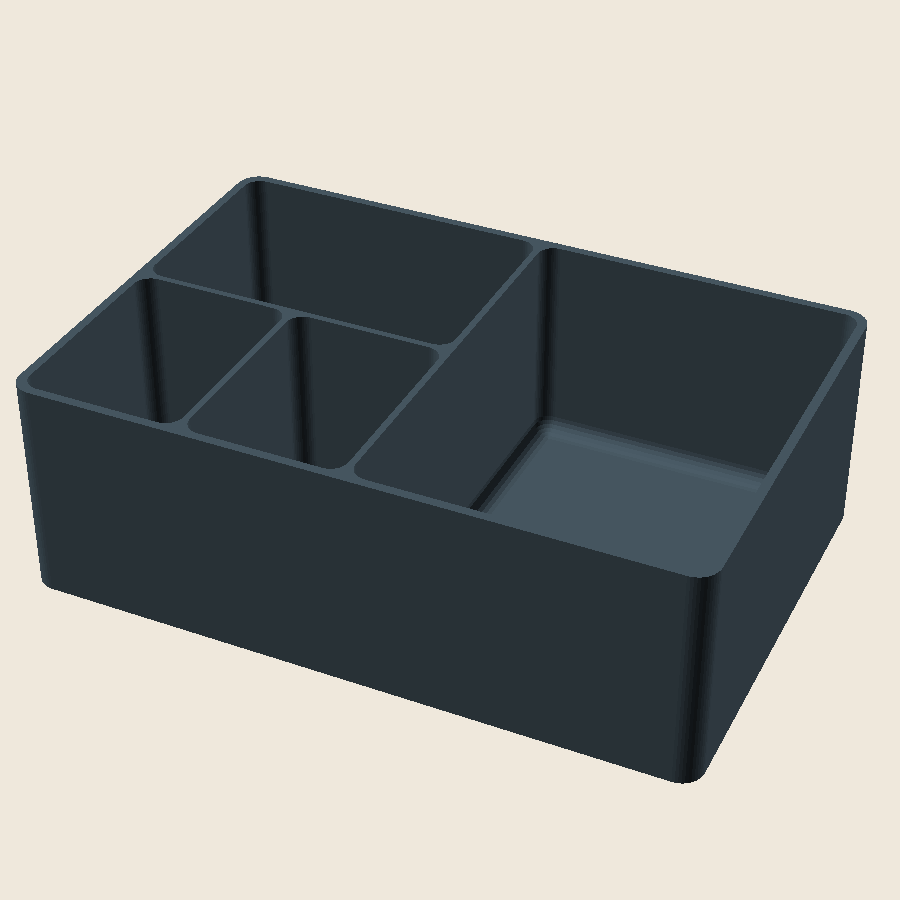
Box with freely divided compartments for desk, drawer and workshop: set the outer size and the compartments (compartment editor in the “Compartments” view), round the corners, compartment edges and floor, choose a wall pattern, a finger grip and scoops. Optionally with a Gridfinity base, stackable and with a lay-on, cap or sliding lid, also with magnets. If the lid does not fit beside the box on the print plate, it goes on a second plate. With Fomio Pro: label plate or paper label holder.
Ready-made inserts exist for few games only – and rarely fit expansions, sleeved cards or your own tokens. With the generator you build exactly the insert your box needs: sleeved cards, resources at hand, setup in minutes instead of sorting at the table.
Does it really fit?
The generator works with your measurements and an adjustable clearance. Measure the box inside in several places and take the smallest value. For card trays, enter the sleeve size, not the card size. If unsure, print a small tray as a test first.
On their own too: modular box and stacking box
For single boxes without a game box there is the modular box with freely divided compartments and the stackable storage box – handy for screws, craft supplies or accessories.
Frequently asked questions
How do I measure the game box correctly?
Measure inside at the floor and the rim and take the smallest value each time. Measure the height from the floor to the underside of the lid and subtract the room for board and rule book.
How big does a card tray need to be?
A little bigger than the sleeved card; set the clearance in the generator. The height depends on the number of cards – roughly 0.3 to 0.6 mm per sleeved card.
How do I print the trays?
With PLA, 0.2 mm layers, 2–3 walls and no supports. The 3MF spreads all trays over build plates.
Do expansions fit too?
Yes, just plan more trays or divide existing ones differently.
Does the game box generator cost anything?
No, you can plan and try it free in the browser. Unlimited and with Fomio Pro in the desktop app for Windows and Linux.
Do I need CAD skills?
No. You only enter sizes and move trays in the plan – the studio computes the rest.