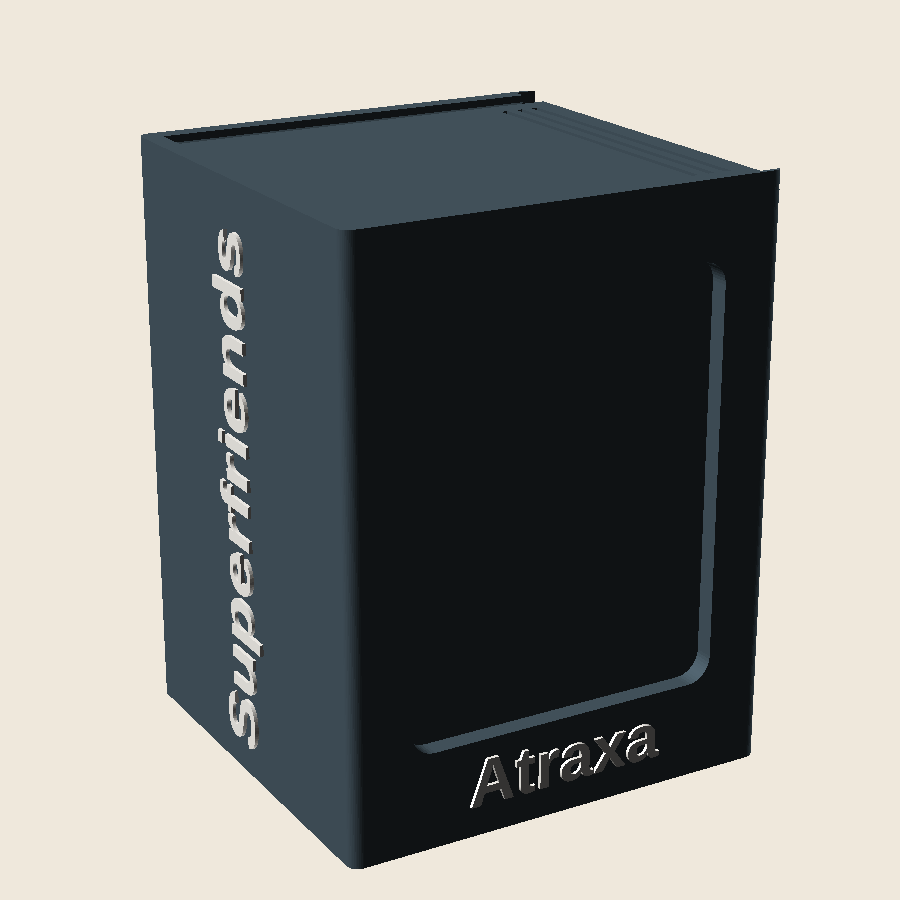
Deck box with sliding lid
Deck box for 10 to 200 sleeved cards with an optional commander window and labels on the front and side. The lid slides in dovetail grooves and cannot fall out. Box and lid print side by side without supports.
Magic: The Gathering · Commander · 3D printing
Deck boxes, counters and organizers for Magic: The Gathering – fitting your card count and sleeves exactly. Set everything up in the browser and download ready 3D print files. For Pokémon, Lorcana, Yu-Gi-Oh! and One Piece too.
Try it free in the browser – unlimited and with Fomio Pro in the desktop app for Windows and Linux.

Pick a deck box, counter or organizer.
Choose card format, sleeves and card count – the box is computed for exactly that. Lettering and commander window as you like.
The 3D preview shows the result; lid and parts can be viewed one by one too.
Download STL or coloured 3MF, open it in Bambu Studio, Orca or PrusaSlicer, print – without supports.
Deck box for 10 to 200 sleeved cards with an optional commander window and labels on the front and side. The lid slides in dovetail grooves and cannot fall out. Box and lid print side by side without supports.
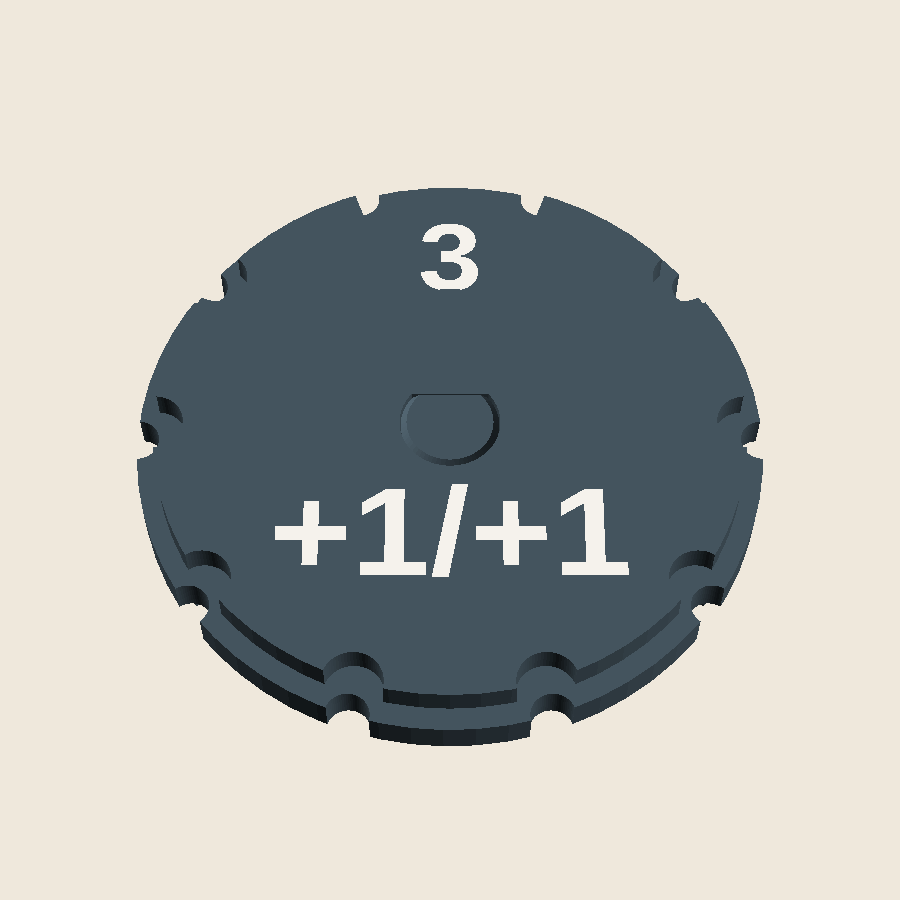
Dial for counters in Magic: The Gathering – +1/+1, -1/-1, loyalty, poison, commander damage, food, treasure and more – 1–10 on the front, 11–20 on the back (the base has its own window and name), commander damage up to 21. The disc clicks into place at every number, the cover is pressed on without glue and always sits straight.
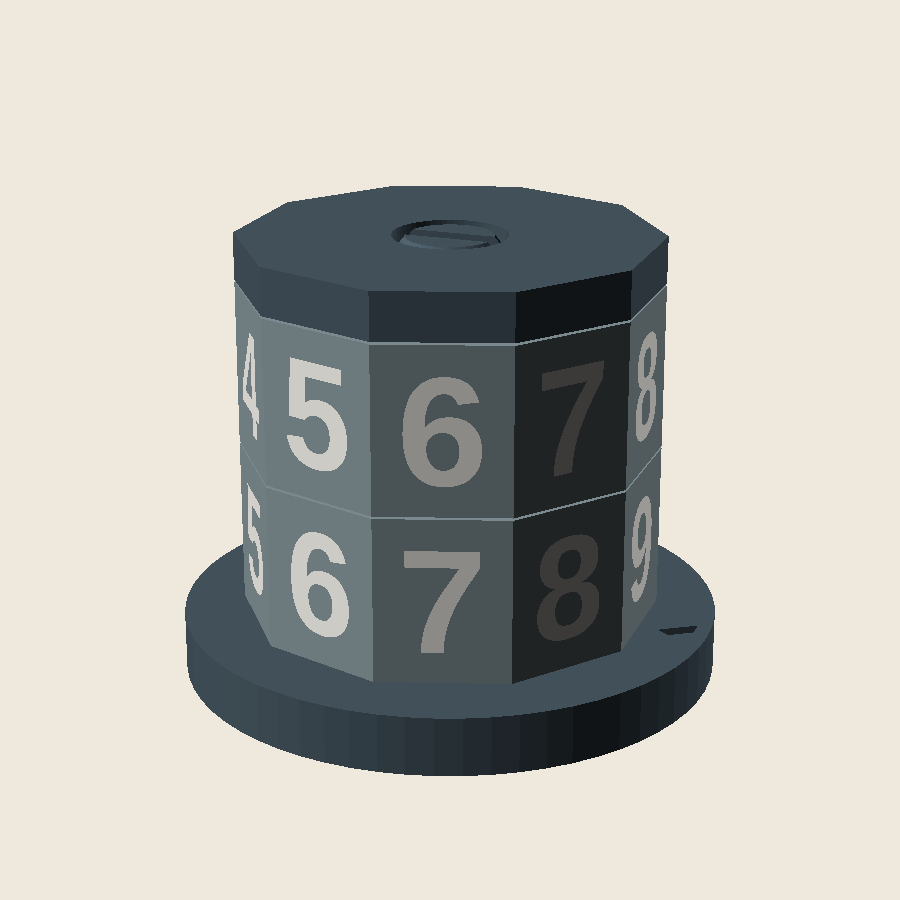
Spin counter with two or three digit rings (up to 99 or 999) for life points. The rings click into place, the digits can be filled with a second colour. All parts print flat without supports.
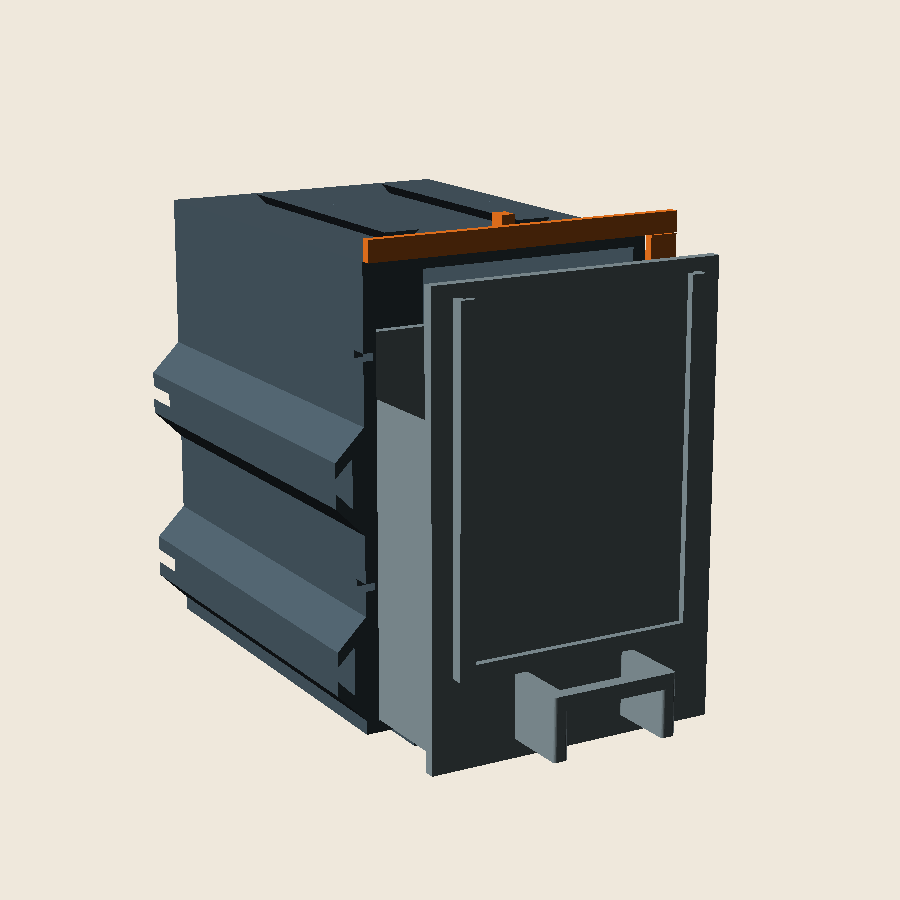
Stackable drawer module with a display window for a sleeved commander card and a bow handle. Housings join sideways and on top with dovetails, coloured joint covers hide the gaps. Width, height, depth and drawer height adjustable – as a coloured 3MF with all parts.
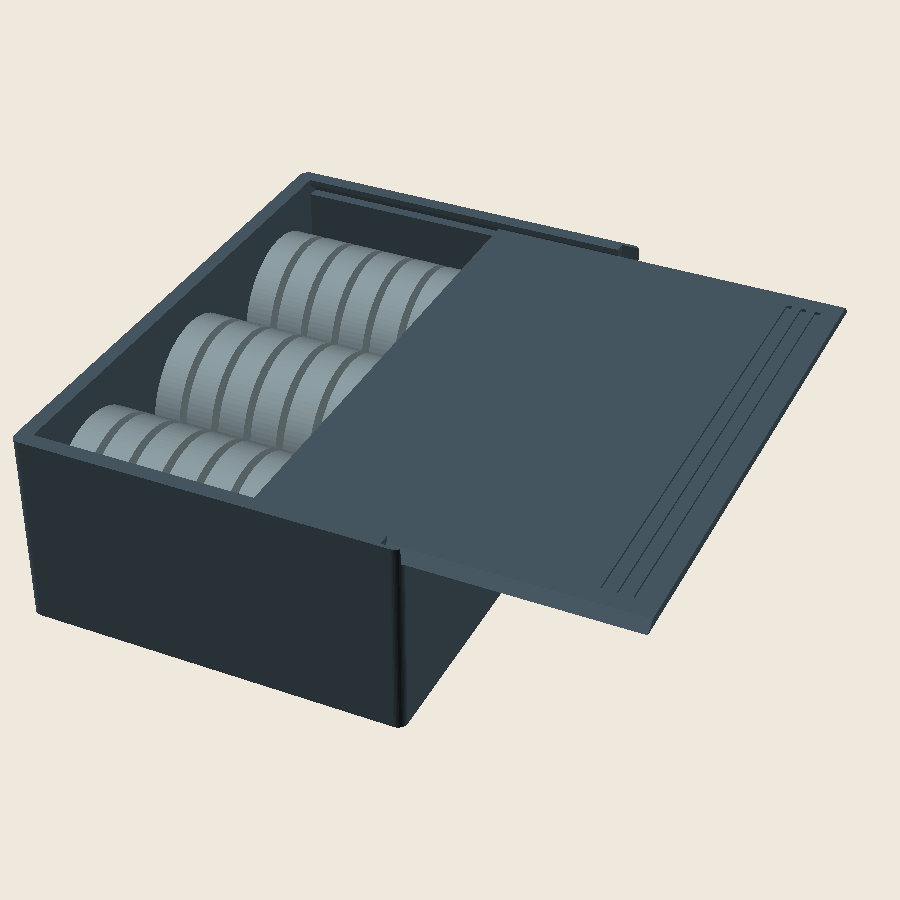
Box with a sliding lid for the counter dials: every dial stands on edge in its own slot and cannot tip over; the rows are spaced for your fingertips. Choose the number of rows and dials per row – the box is calculated for exactly that many (default 3 × 10 = 30). The lid slides in dovetail grooves and cannot fall out.
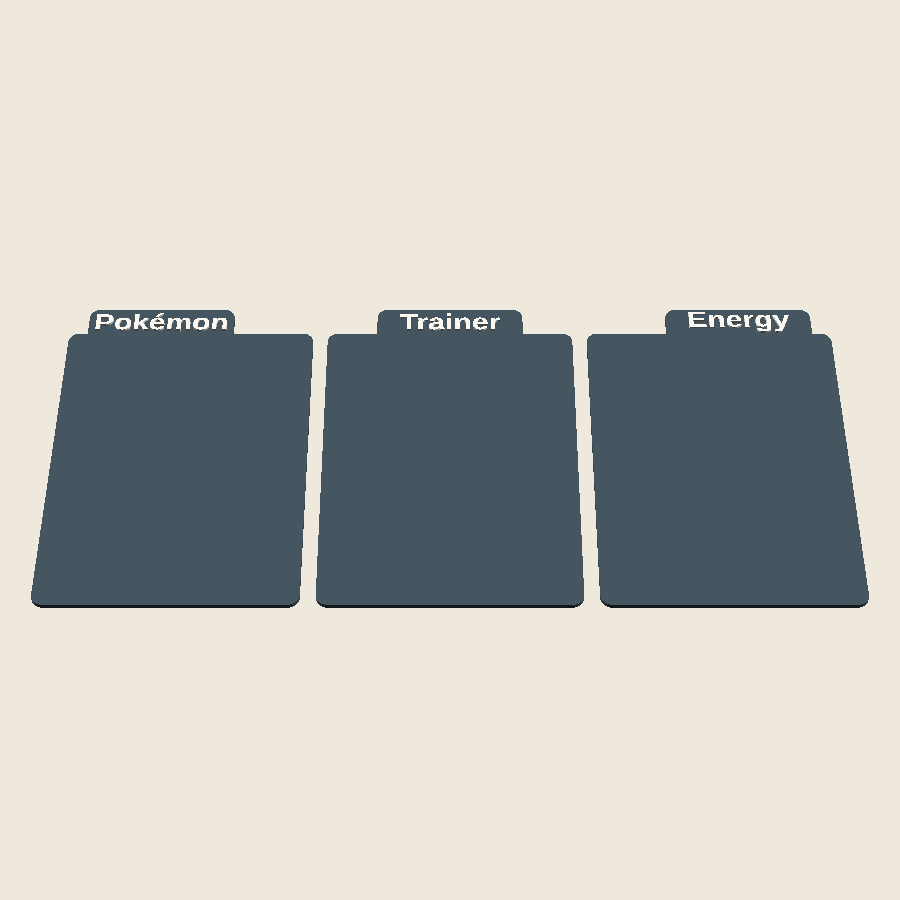
Dividers for deck and storage boxes with a labelled tab – with presets for Magic, Pokémon, Yu-Gi-Oh!, Lorcana and One Piece. Up to six flat on one print plate, as a coloured 3MF with contrasting labels.
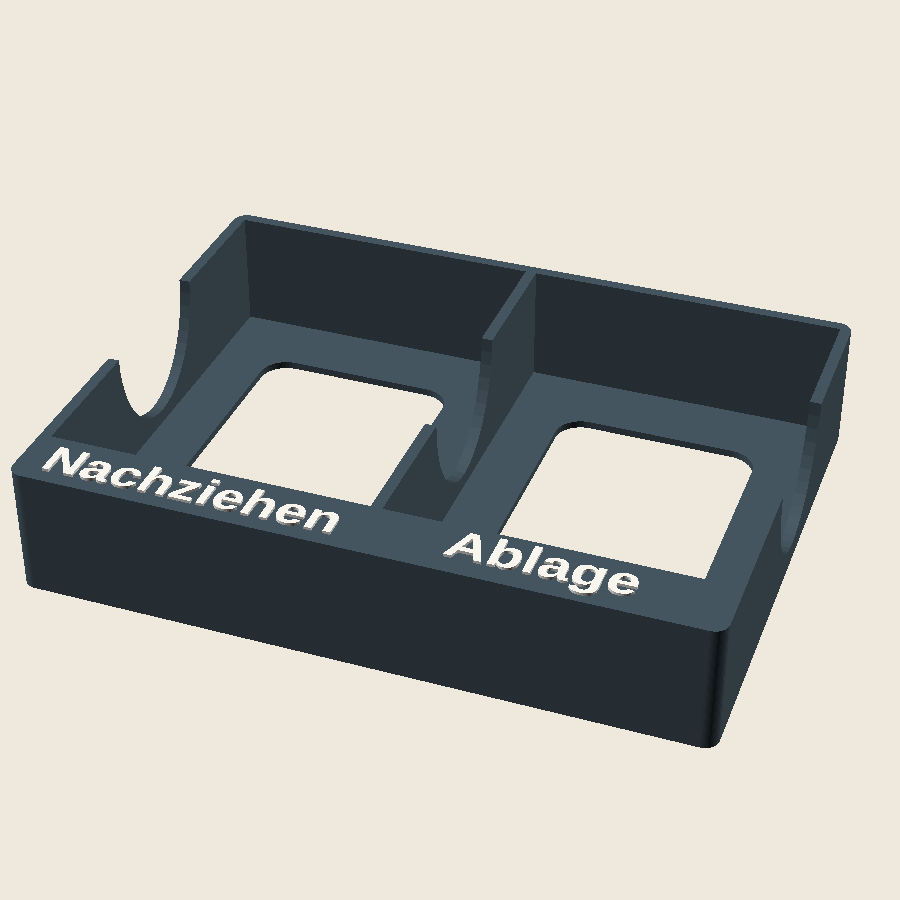
Holder for up to four card piles side by side – draw pile, discard, exile or tokens. The trays fit card format, sleeves and pile height exactly, with finger notches at the sides and a label at the front.
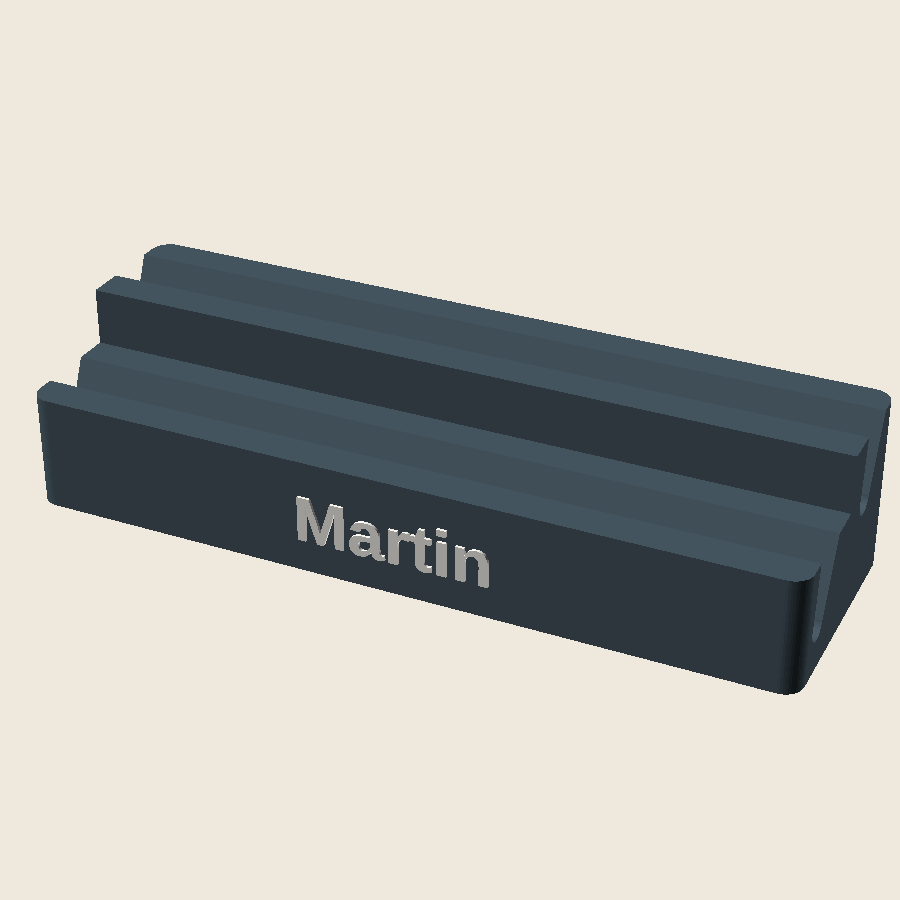
Holds the cards of your hand upright on the table in front of you – for kids, big hands or long games. Length, tilt and number of cards adjustable, up to three stepped rows, optionally with a name at the front.
The deck box with sliding lid adapts to your deck: card format (TCG 63 × 88 mm for Magic and Pokémon, Japanese size for Yu-Gi-Oh!), unsleeved, single or double-sleeved and the number of cards. The lid slides in dovetail grooves and clicks in if you like. A window at the front shows your commander, a compartment holds dice and tokens.
The counter dial clicks in at every number: 1–10 at the front, 11–20 at the back, up to 21 for commander damage. The life counter has two or three digit rings for values up to 99 or 999. All parts lie flat on one build plate and snap together without glue.
Commander drawers join at the sides and top – a wall for your decks. Card dividers with tabs separate collection and bulk, the pile holder keeps library, graveyard and exile, and the hand card holder helps in long games.
Yes. Choose the sleeves (none, single or double) and the card count – the inner size is computed from that. The clearance around the cards can be set too.
Magic: The Gathering, Pokémon, Lorcana, One Piece (63 × 88 mm), Yu-Gi-Oh! (59 × 86 mm) and custom sizes.
No. Coloured lettering is optional via the 3MF; without a multi-colour printer, print in one colour or with a colour change via pause.
Put the disc into the base and press the lid on – it clicks in and sits straight by itself, without glue.
With Fomio Pro or Lifetime, yes, also without lettering. In the free version the files are for private use.
Then raise the lid clearance a little under “Expert” and reprint just the lid.