Card dividers with labels – guide and settings
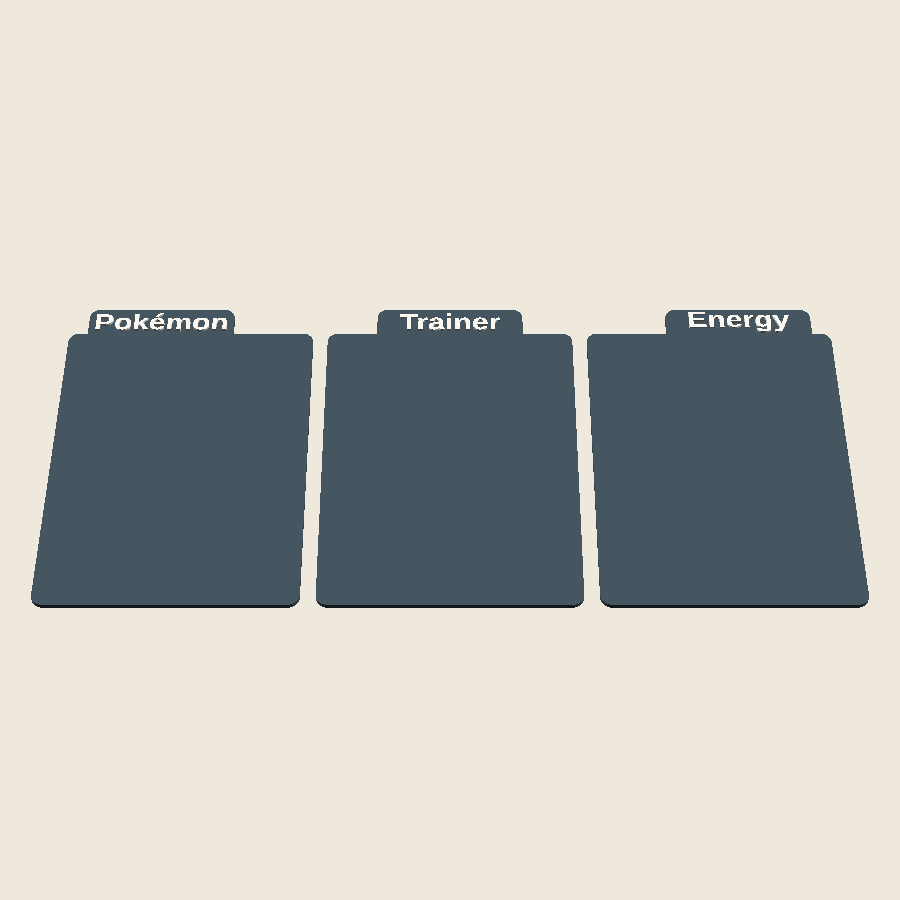
Dividers for deck and storage boxes with a labelled tab – with presets for Magic, Pokémon, Yu-Gi-Oh!, Lorcana and One Piece. Up to six flat on one print plate, as a coloured 3MF with contrasting labels.
Settings
Cards
- card format: default TCG 63x88
- card width (custom): default 63.0
- card height (custom): default 88.0
- sleeves: default Single
Dividers
- game template: default Custom
- number of dividers: default 4.0
- tab position: default Staggered
- tab 1: default Commander
- tab 2: default Lands
- tab 3: default Spells
- tab 4: default Tokens
- tab 5
- tab 6
Details
- thickness: default 1.2
- tab height: default 9.0
- tab width: default 40.0
- text height: default 0.6
- corner radius: default 3.0
- coloured text: default on
Step by step
- Template or own dividers A game template sets format, number and labels. With “Custom” you set the format, number and the texts of up to six tabs yourself.
- Preview and download “Generate preview” calculates the model again. The 3MF holds the colours – in the slicer you assign a filament to each colour; the STL is single-coloured.
- Help Behind the question mark you find this tour and answers to common questions.
Frequently asked questions
How many dividers fit on one plate?
Up to six lie flat side by side on one print plate.
How do I get coloured text?
Switch on “coloured text” and download the 3MF – in the slicer the text gets a second filament.