A good insert saves setup and cleanup at every game. With Fomio Studio you plan it yourself: trays that fit the original box, boxes with freely divided compartments, card holders for the table – set up in the browser, downloaded as a ready 3D print file, without CAD.
Try it free in the browser – unlimited and with Fomio Pro in the desktop app for Windows and Linux.
What you can set
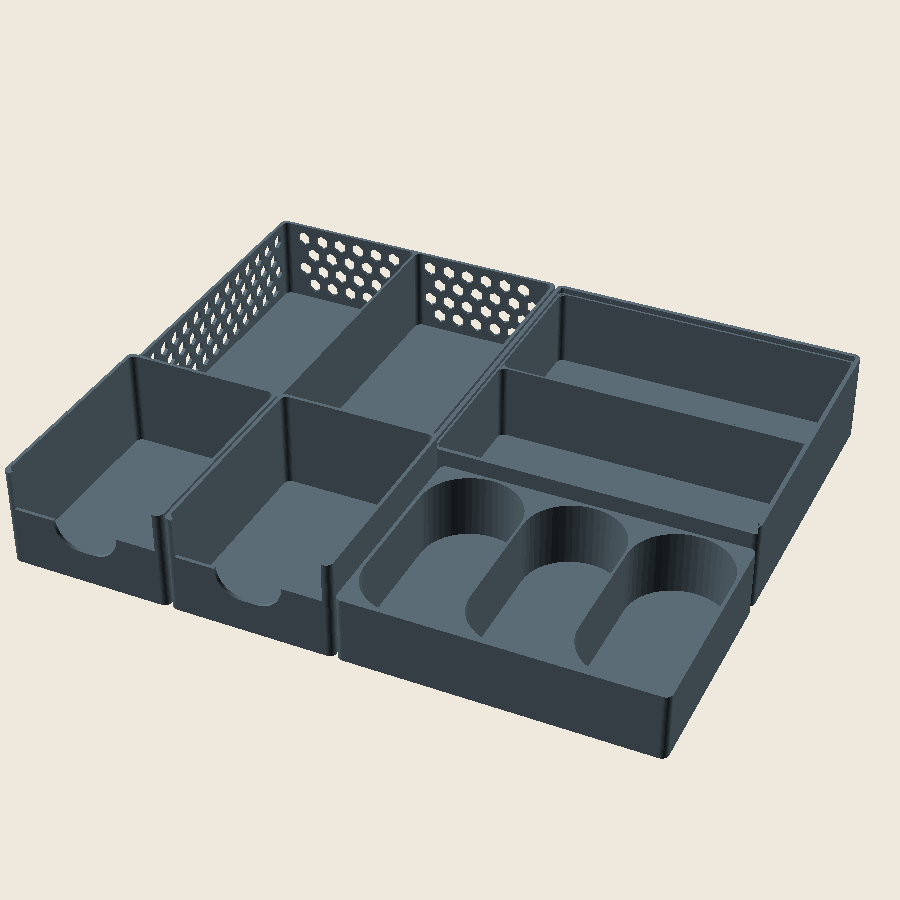
Game box insert: lay out trays on the inner size of your box
“Size for cards”: enter card size and stack height, the tray is sized for it
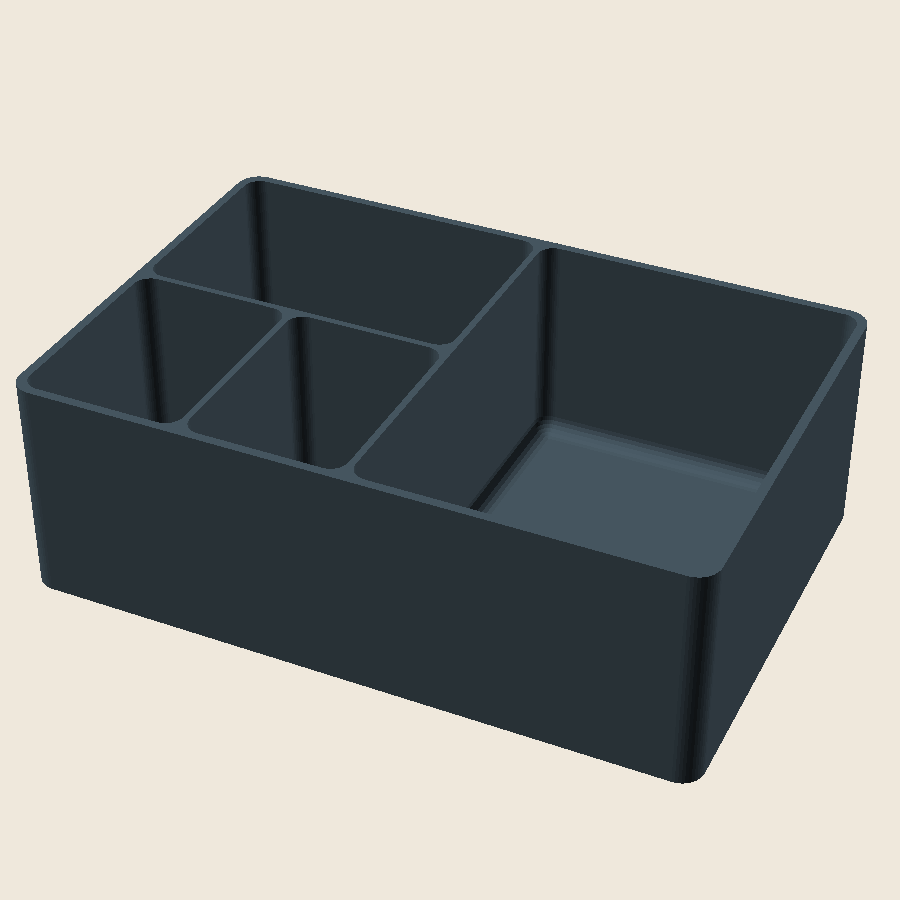
Modular box with freely divided compartments, finger grips, scoops and a lid
Modular box optionally with a Gridfinity base on the 42 mm grid
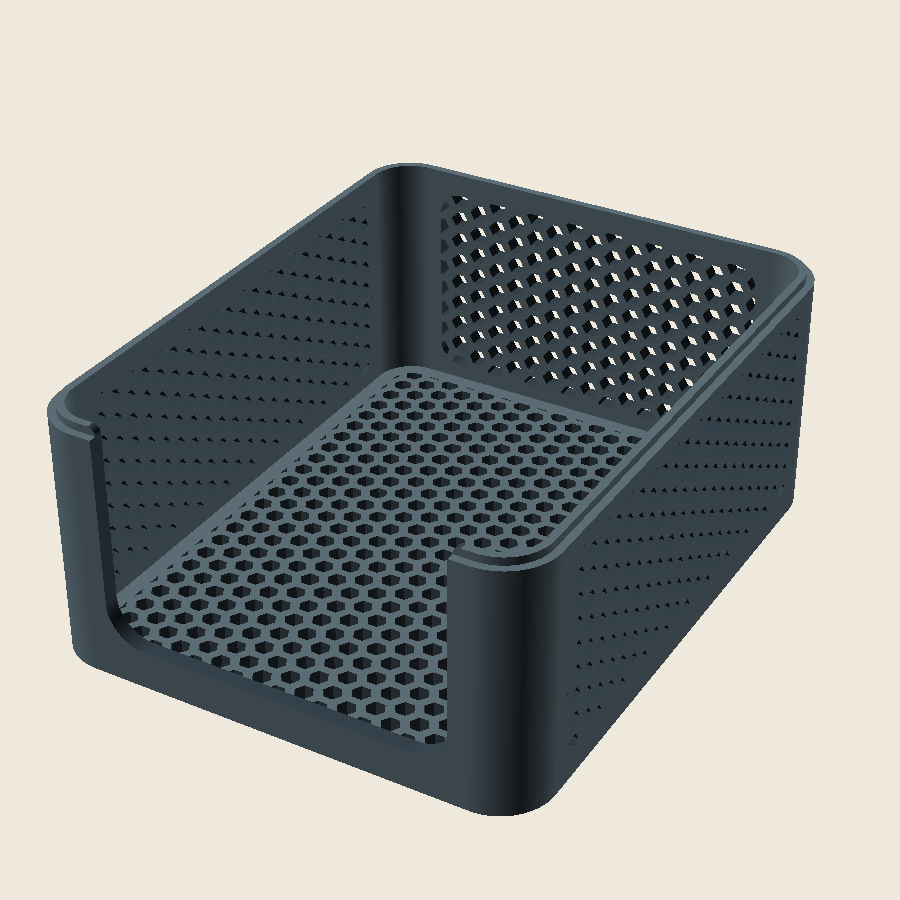
Stackable storage box with lid and optional wall pattern
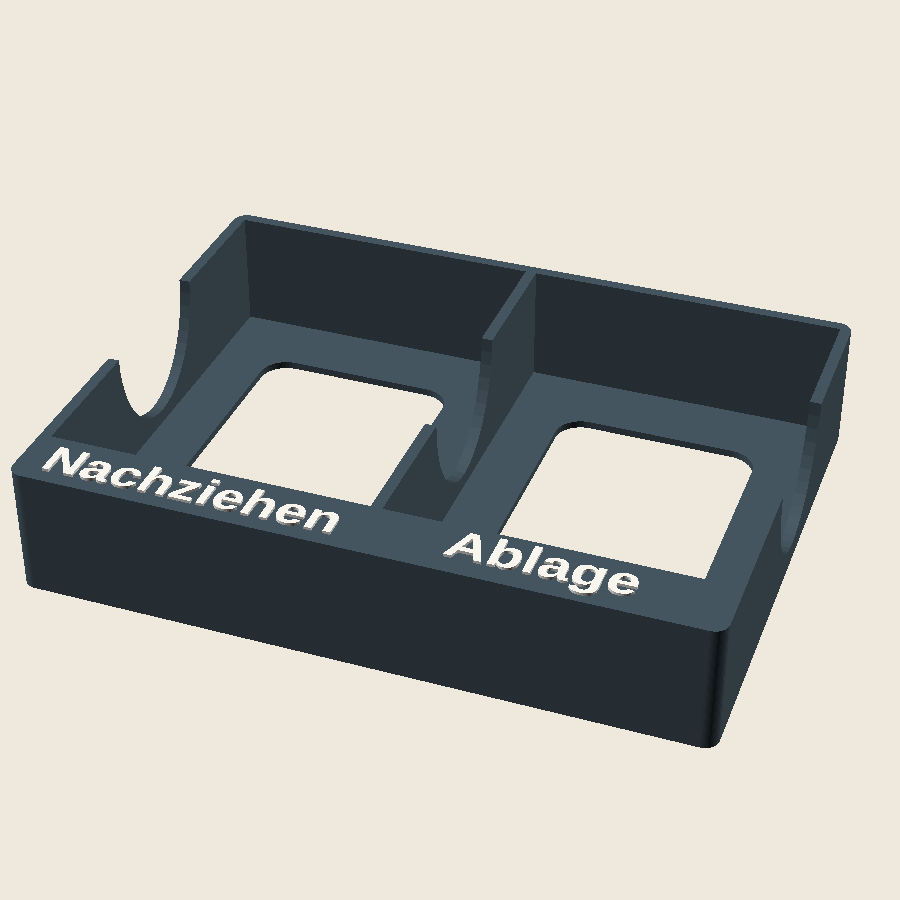
Draw and discard pile holder and hand card holder for the table
How it works
Measure the box
Measure inside at the bottom from wall to wall at the narrowest point, plus the height to the top edge of the lower part. Subtract what should lie on top: board, rules, player boards.
Plan the trays
Add trays in the game box insert and move and resize them in the plan until the box is filled.
Divide into compartments
Split every tray like a modular box – with a finger grip for cards and a scoop for tokens and dice.
Test print, then all
Print one tray first and check the fit. Then download all trays as 3MF – they are already spread over build plates – and print without supports.
The configurators
Game box insert
Inserts for the original box of your board or card game: measure the inside, place trays for cards, tokens and dice on the plan and divide each tray like a modular box – with compartments, finger grips and scoops. Every tray lifts out and is printed on its own; together they come as a 3MF spread over print plates or as an STL package.
Box with freely divided compartments for desk, drawer and workshop: set the outer size and the compartments (compartment editor in the “Compartments” view), round the corners, compartment edges and floor, choose a wall pattern, a finger grip and scoops. Optionally with a Gridfinity base, stackable and with a lay-on, cap or sliding lid, also with magnets. If the lid does not fit beside the box on the print plate, it goes on a second plate. With Fomio Pro: label plate or paper label holder.
Holder for up to four card piles side by side – draw pile, discard, exile or tokens. The trays fit card format, sleeves and pile height exactly, with finger notches at the sides and a label at the front.
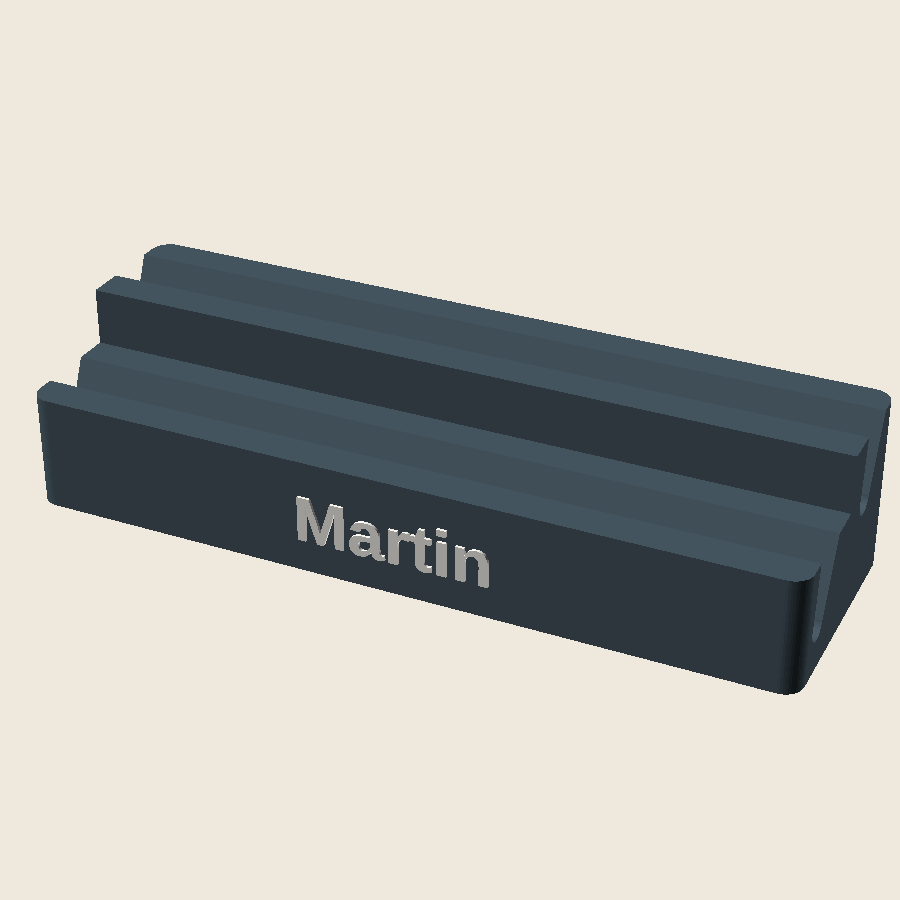
Holds the cards of your hand upright on the table in front of you – for kids, big hands or long games. Length, tilt and number of cards adjustable, up to three stepped rows, optionally with a name at the front.
The game box insert works with the inner size of your box and the room board and rules need on top. Every tray lifts out on its own and is printed on its own. The 3MF spreads all trays over as many plates as needed; in the STL package every tray is its own file.
The plan assumes a rectangular inside. It does not know rounded corners, slanted walls or embossing in the box floor – leave some room for that and print one tray as a test first.
Single boxes and Gridfinity
For games that do not need a whole insert, or for the game shelf, there is the modular box: set the outer size, divide compartments with the mouse, round corners and compartment edges, choose a lid and magnets. With the Gridfinity base it fits Gridfinity baseplates on the 42 mm grid and combines with other Gridfinity bins. The stackable storage box adds room for larger parts.
Order on the table
The draw and discard pile holder keeps up to four card piles side by side, sized to card format, sleeves and stack height. The hand card holder keeps your hand upright – handy for children, big hands or long games.
Frequently asked questions
Can I 3D print a board game insert myself?
Yes. Enter the inner size of your box, lay out trays in the plan and download them as 3MF or STL. They print on any regular FDM printer, without supports.
How do I measure the game box?
Inside at the bottom from wall to wall, at the narrowest point. The height from the bottom to the top edge of the lower part. What should lie on the trays (board, rules, player boards) goes into “room on top” – better 1–2 mm more so the lid closes.
How big must a card tray be?
Measure the cards with sleeves. Inside, the tray needs about 1–2 mm of air on each side, plus two walls. “Size for cards” does the sum when you enter card size and stack height.
Which material should I use?
PLA is fine for almost everything, with 0.2 mm layers and 2–3 walls; boxes get much sturdier with 3 walls. 15 % infill is enough. Use PETG for parts that get warm or need to flex.
Are the boxes Gridfinity compatible?
The modular box optionally has a Gridfinity base and then fits Gridfinity baseplates on the 42 mm grid. The trays of the game box insert are cut to your box instead.
Is the fit guaranteed?
The plan assumes a rectangular inside and an adjustable clearance. It does not know rounded corners or slanted walls of the box. So print one tray as a test first.
Is it free?
You can plan and try it free in the browser, with three previews a day. The desktop app for Windows and Linux computes without limit. Free files are for private use and carry a small “Fomio.de” mark.