Vorschau wird erzeugt …
Wähle ein Foto oder zieh es hierher – dann erscheint hier deine Kugel.
Hilfe
About this model
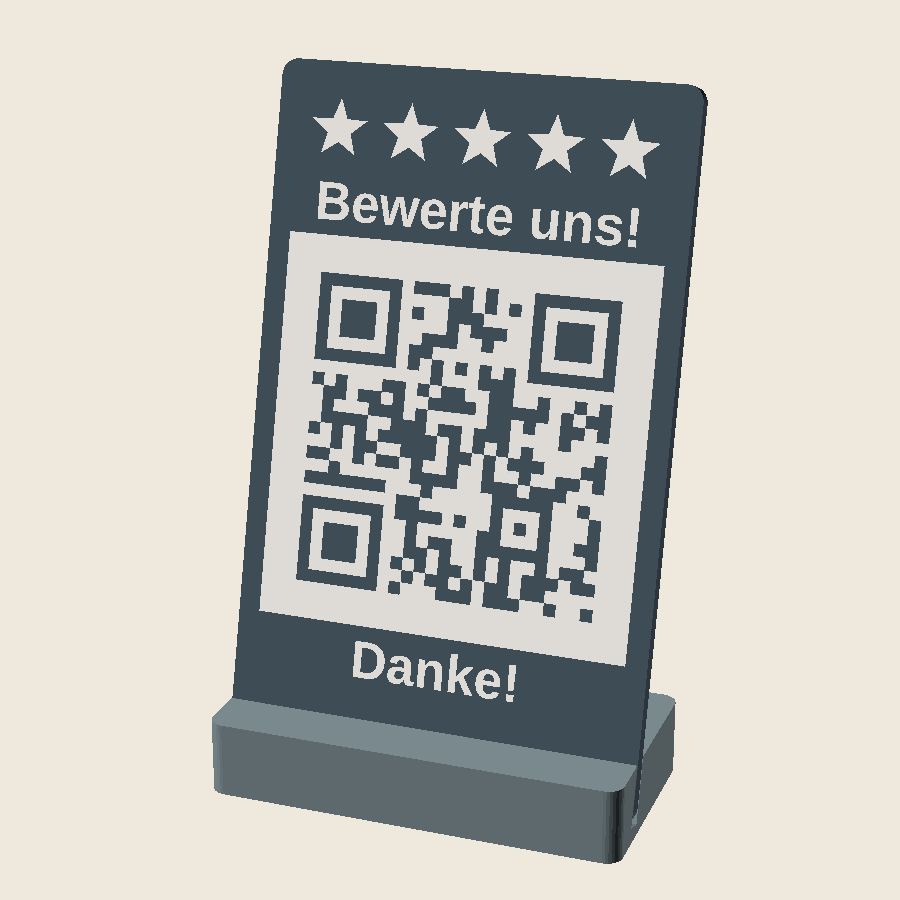
QR code stand – Stand with a QR code for your link, your review page or the guest Wi-Fi – dark modules on a light field so every phone reads it. With text above and below, slanted in its own foot. Two colours flush, or raised for a colour change.
In Fomio Studio you set up the model to your measurements in the browser, see it in 3D on the print bed right away and download it free as STL or 3MF for your slicer.
Common questions
I only have one nozzle – does it still work?
Yes: choose “light field: Raised”. In the slicer add a filament change to a light colour at the top of the plate (3 mm).
Which colours scan best?
Dark plate, light field – that is how it is set up. The other way round (light on dark) some phones do not read the code.
How do I put the guest Wi-Fi into the code?
Enter it as text: WIFI:T:WPA;S:network name;P:password;; – the phone then offers to connect.
The code does not scan.
Choose a bigger stand or a shorter link so the modules get bigger. Before printing: look at the preview and scan it from the screen with your phone.