Vorschau wird erzeugt …
Wähle ein Foto oder zieh es hierher – dann erscheint hier deine Kugel.
Hilfe
About this model
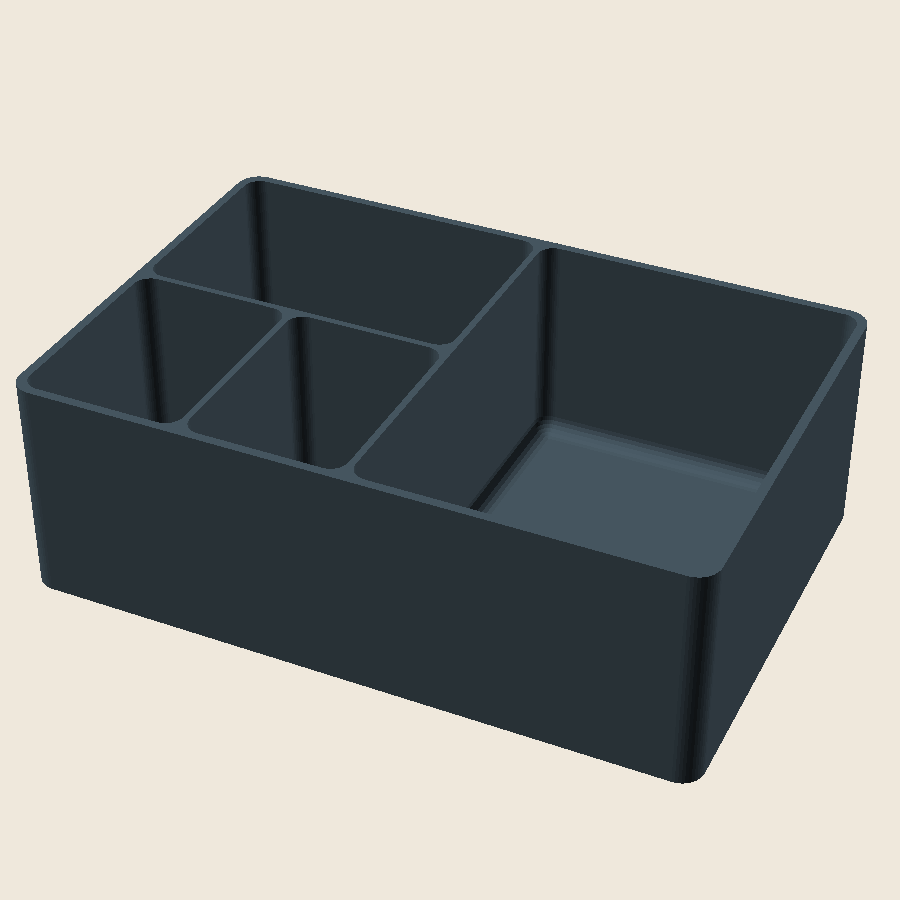
Modular box – Box with freely divided compartments for desk, drawer and workshop: set the outer size and the compartments (compartment editor in the “Compartments” view), round the corners, compartment edges and floor, choose a wall pattern, a finger grip and scoops. Optionally with a Gridfinity base, stackable and with a lay-on, cap or sliding lid, also with magnets. If the lid does not fit beside the box on the print plate, it goes on a second plate. With Fomio Pro: label plate or paper label holder.
In Fomio Studio you set up the model to your measurements in the browser, see it in 3D on the print bed right away and download it free as STL or 3MF for your slicer.
Common questions
How do I divide the box?
Open “Compartments” above the stage. Point at a compartment and press +: on the right it divides side by side, below front to back. Drag dividers where you want them; click a size to type it.
The lid does not fit on the plate with the box – what now?
Then the file holds the box only and “Download lid” appears below the download buttons. Print the lid afterwards.
How do I print the modular box?
Without supports, as it lies on the plate; lids lie upside down. PLA or PETG at 0.2 mm layers is fine. Wall patterns are shaped to print without supports.
What is Gridfinity?
An open storage system on a 42 mm grid. With the Gridfinity base the box fits Gridfinity baseplates and combines with other Gridfinity bins.
Which magnets do I need?
Disc magnets 6 × 2 mm. They usually hold by press fit; if loose, a drop of super glue helps. Mind the polarity so box and lid attract.